





Performance and Comfort at the Desk with Quality Mice and Keyboards
Enhance your digital experience with our selection of mice and keyboards from Global Store. Whether you are a passionate gamer looking for absolute precision, a professional working long hours at the office, or a student, the right peripherals make the difference. We have gathered a varied range of devices that combine ergonomics, durability, and modern design.
Discover our offer which includes wireless mice for freedom of movement, precise optical mice, mechanical keyboards for excellent tactile feedback, and complete keyboard + mouse sets. For gaming enthusiasts, we offer gaming equipment with RGB lighting and programmable buttons. Buy online and upgrade your workstation or gaming station, taking advantage of great prices and fast delivery throughout Moldova.
Guide to Choosing PC Peripherals
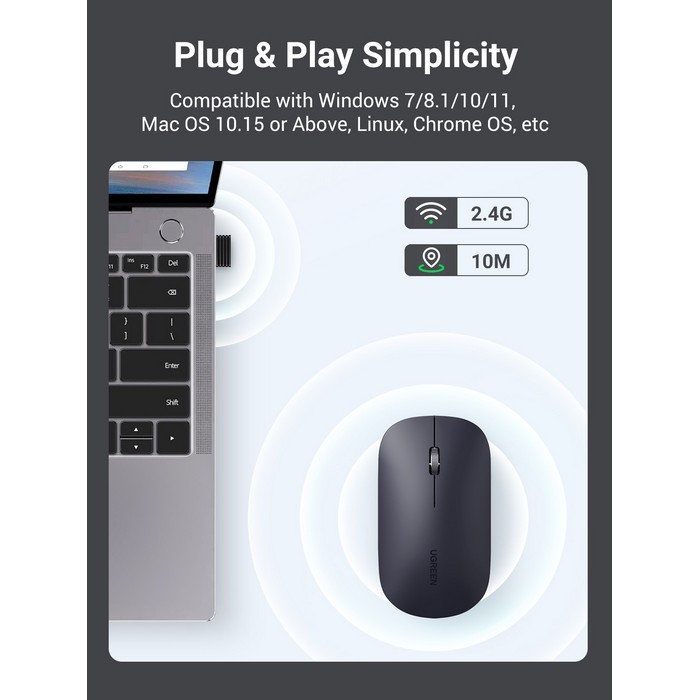
The first criterion is the connection type. Wired (USB) devices offer a stable connection with no latency, being preferred by gamers. Wireless (Bluetooth or 2.4GHz) ones offer a tidy desk without cables, being ideal for productivity and laptops.
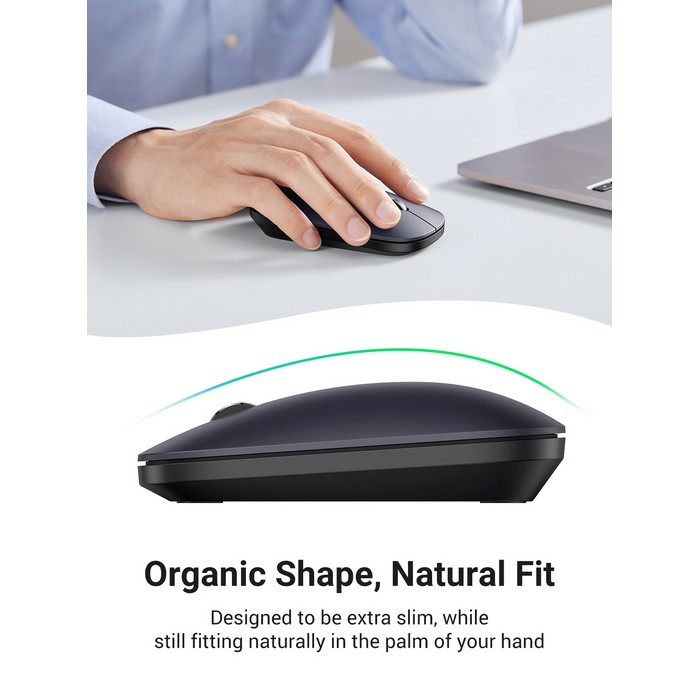
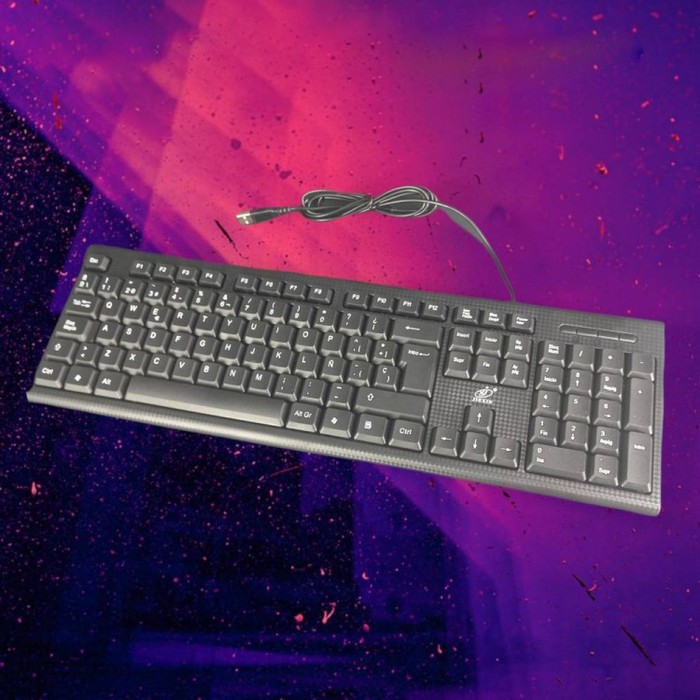
Ergonomics is crucial for health. If you spend a lot of time at the computer, choose an ergonomic mouse that supports the natural hand position and a keyboard with a wrist rest. For keyboards, the key mechanism matters: membrane ones are quiet and cheap, while mechanical ones are durable and offer superior tactile satisfaction.
| Peripheral Type | Features | Ideal For |
|---|---|---|
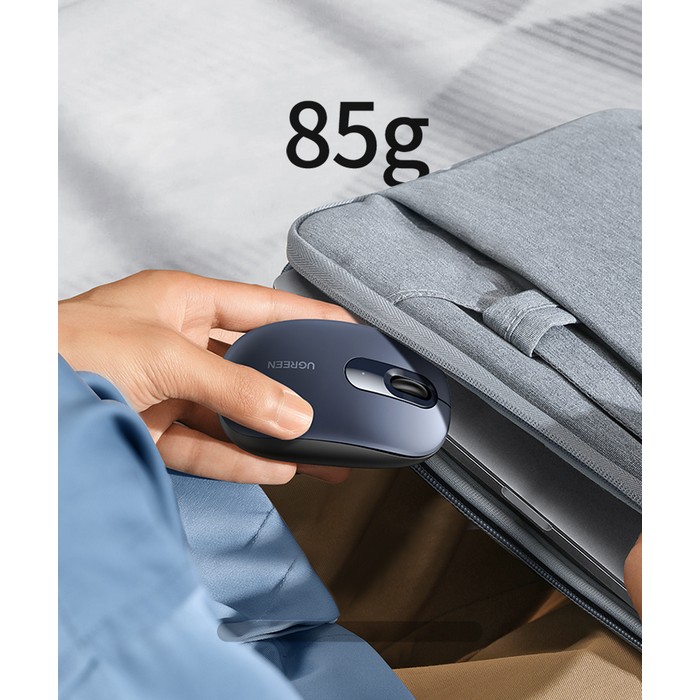
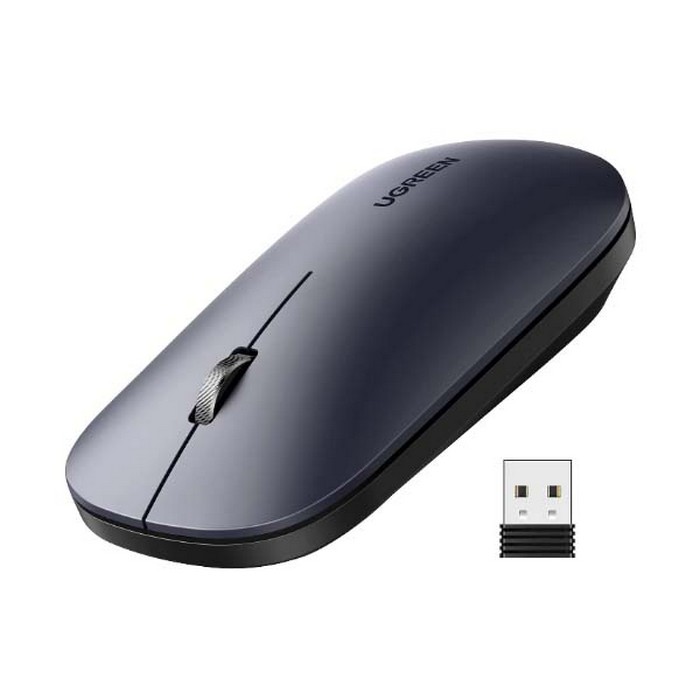
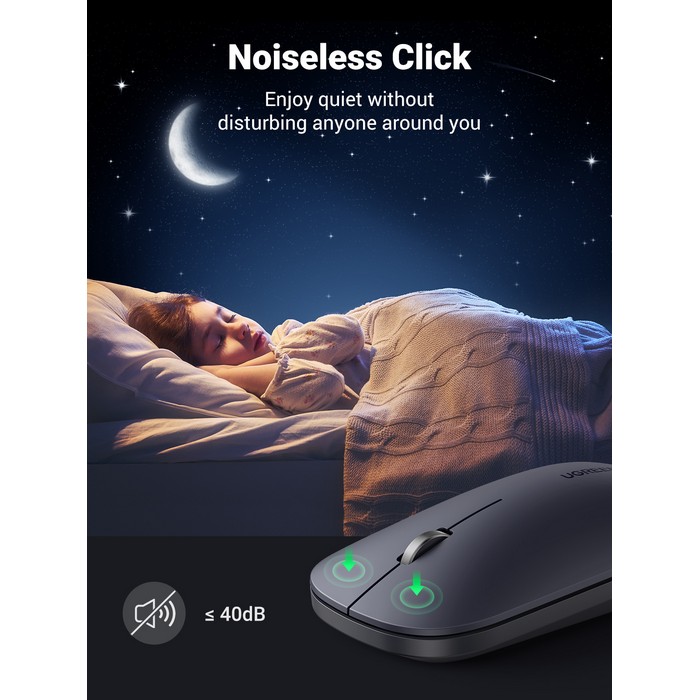
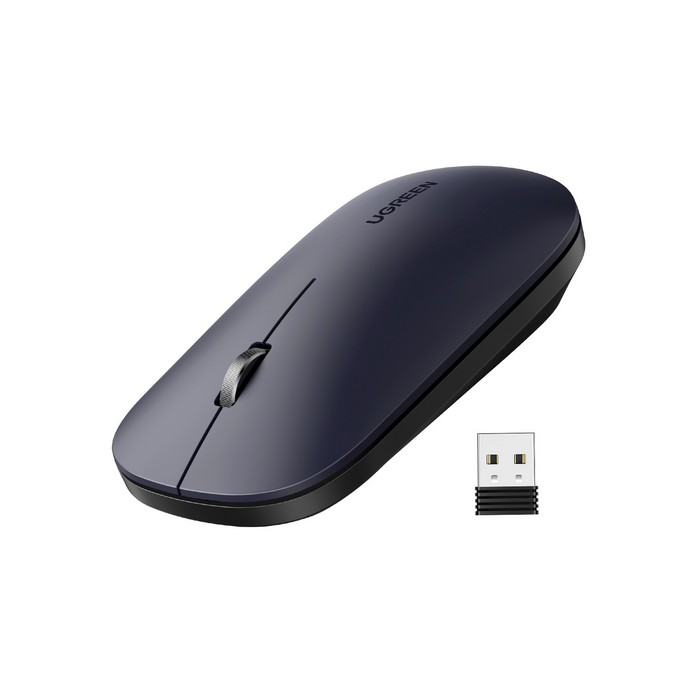
| Wireless Mouse | Cordless, portable, battery operated | Laptops, clean desks, travel. |
| Gaming Keyboard | Mechanical, RGB lights, anti-ghosting | Gaming, fast typing, customization. |
| Mouse + Keyboard Set | Matching design, single receiver (wireless) | Quick office setup, economy. |
Frequently Asked Questions about Mice and Keyboards
What is DPI on a mouse and why does it matter?
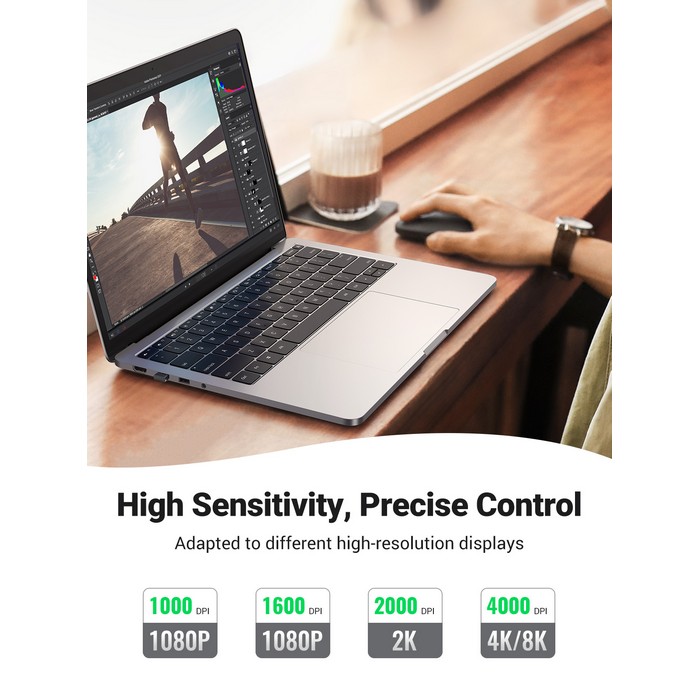
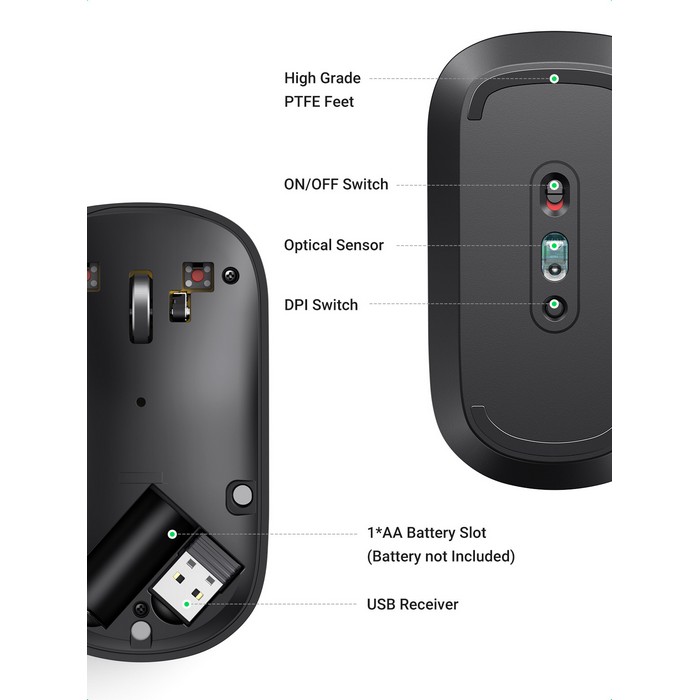
DPI (Dots Per Inch) measures mouse sensitivity. A higher DPI means the cursor will move further on the screen with a smaller physical movement of the mouse. Gamers and designers prefer mice with adjustable DPI for precision or speed.
Is a mechanical keyboard better than a membrane one?
It depends on preferences. Mechanical keyboards are more durable, offer precise tactile feedback, and are preferred for gaming and intense typing, but they are louder and more expensive. Membrane ones are quieter, thinner, and more affordable.
How do I connect a wireless mouse?
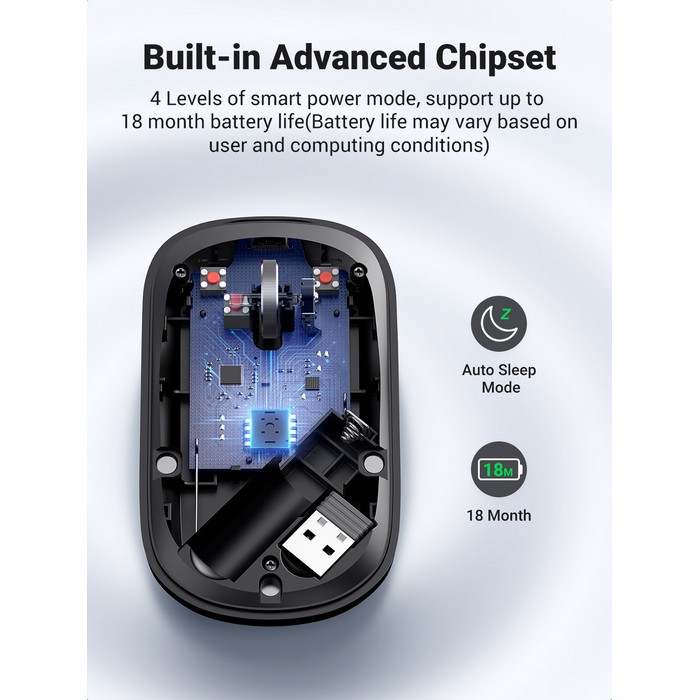
Most wireless mice come with a small USB receiver (dongle). Insert it into a USB port on your computer, turn on the mouse from the switch underneath, and it will connect automatically. For Bluetooth models, you need to pair them in your computer settings.